


 국문 가이드가 필요하신가요?

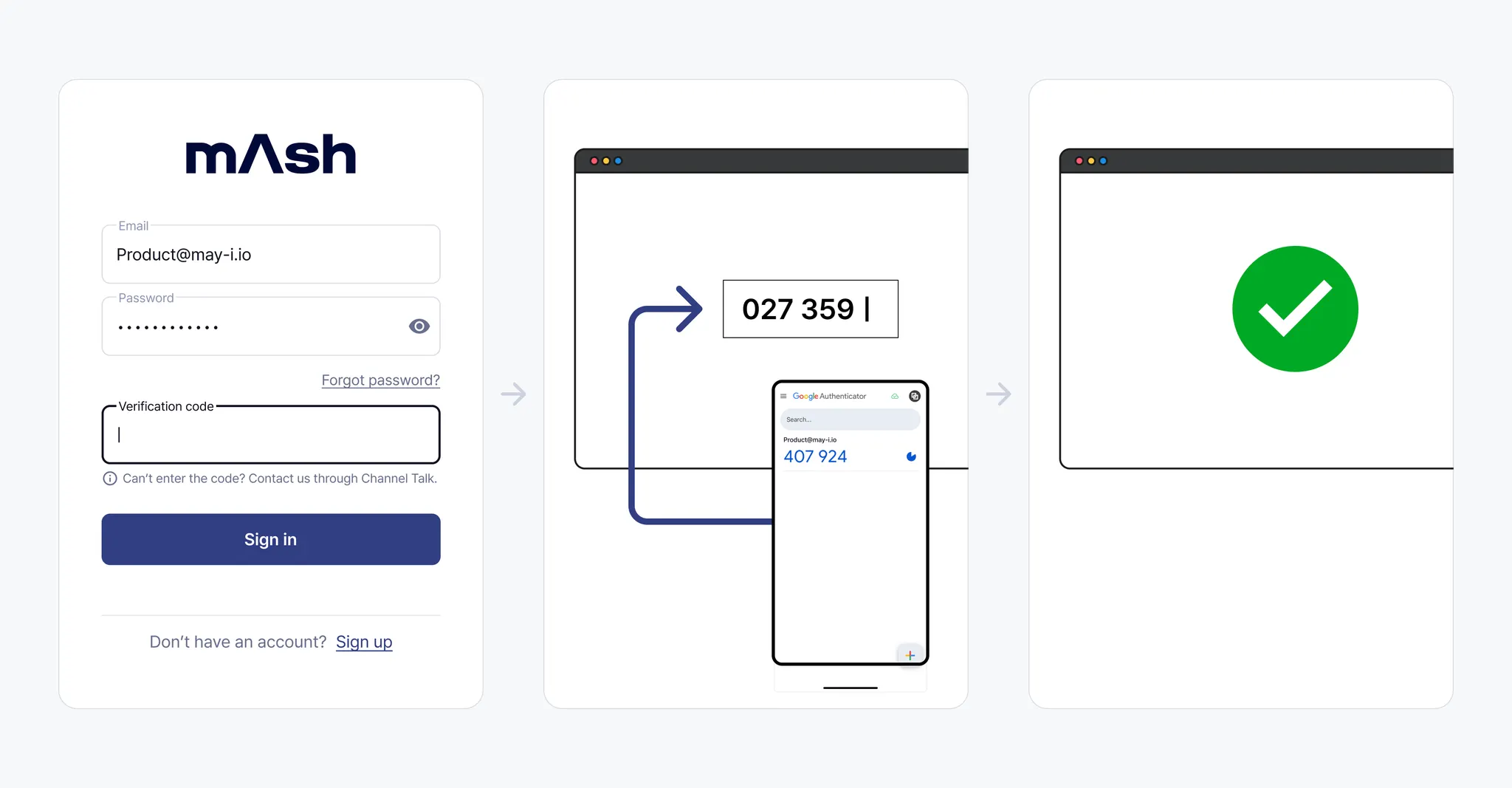

What is Multi-Factor Authentication (MFA)?
Multi-Factor Authentication (MFA) enhances user authentication security by requiring multiple verification steps during the login process. This protects user accounts and prevent unauthorized access.
1. Enabling Multi-Factor Authentication
1.
After access permission is approved, you need to activate Multi-Factor Authentication to browse the dashboard.

2.
Enter your password in the input field at the bottom.
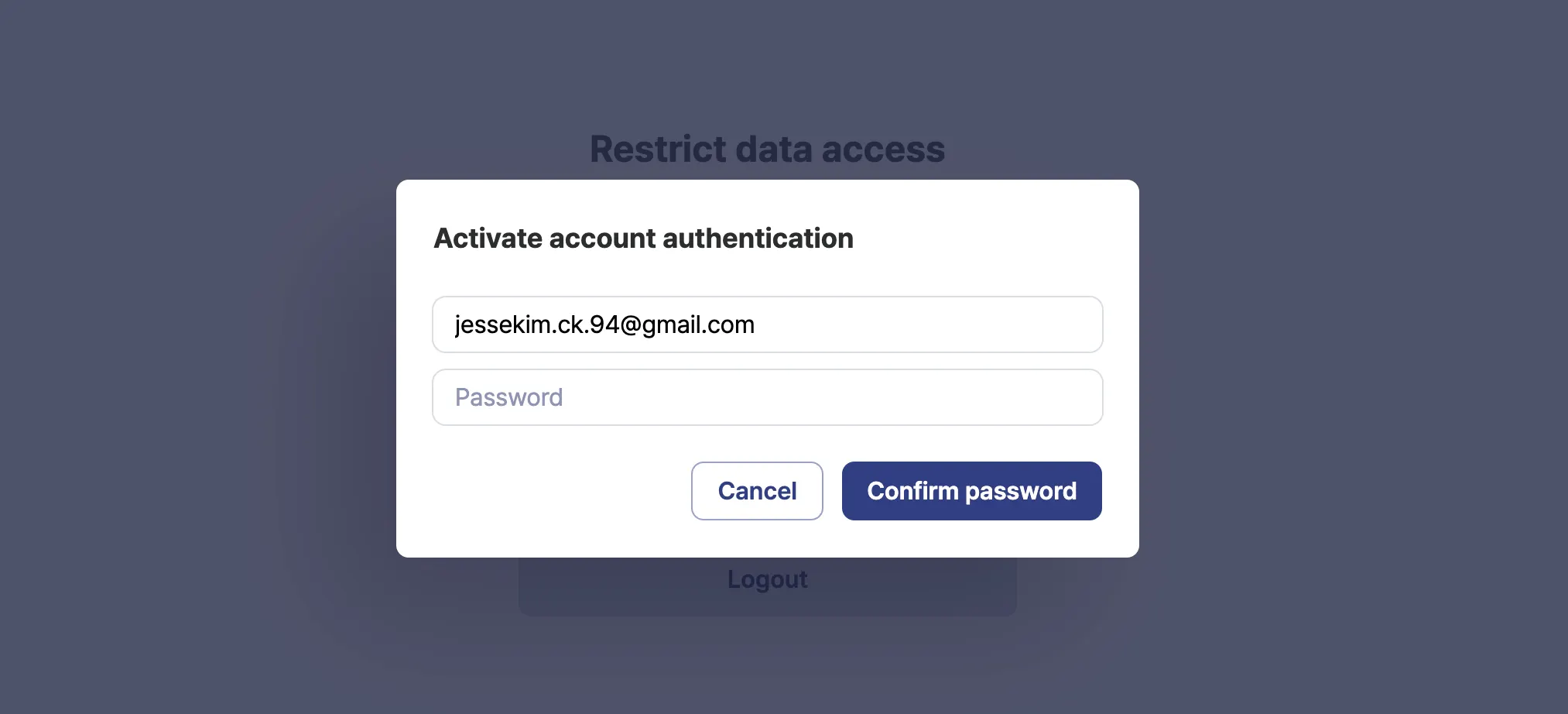
3.
Select “Enter the Settings key”, and follow the instructions under "[How to Register]" to register authentication account in the app, then enter the authentication code.
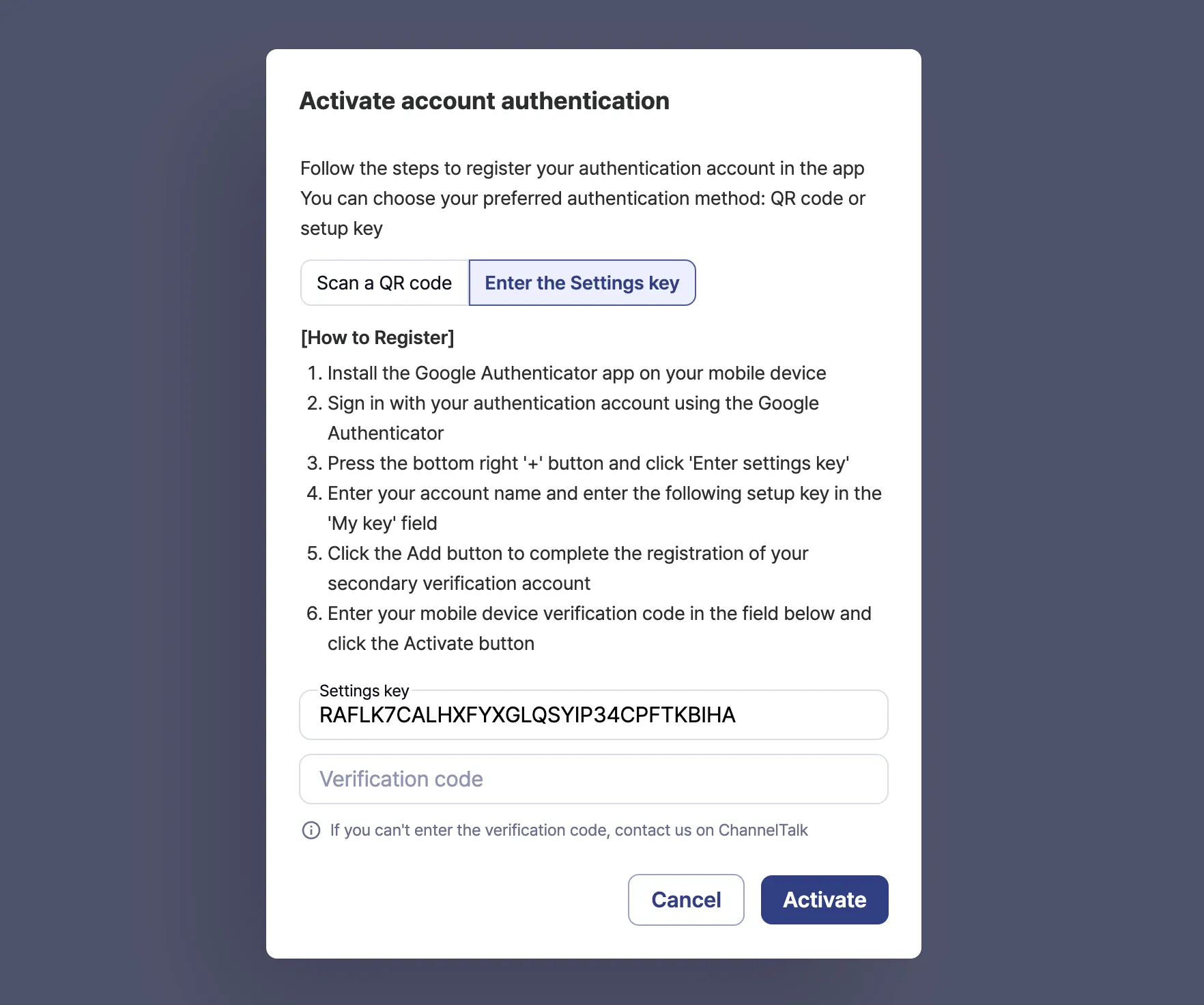
Please refer the following information for the detailed registration process.
[Registration Method 1. Enter the Setting key]
[Registration Method 2. Scan a QR code]
2. Logging in with Multi-Factor Authentication
1.
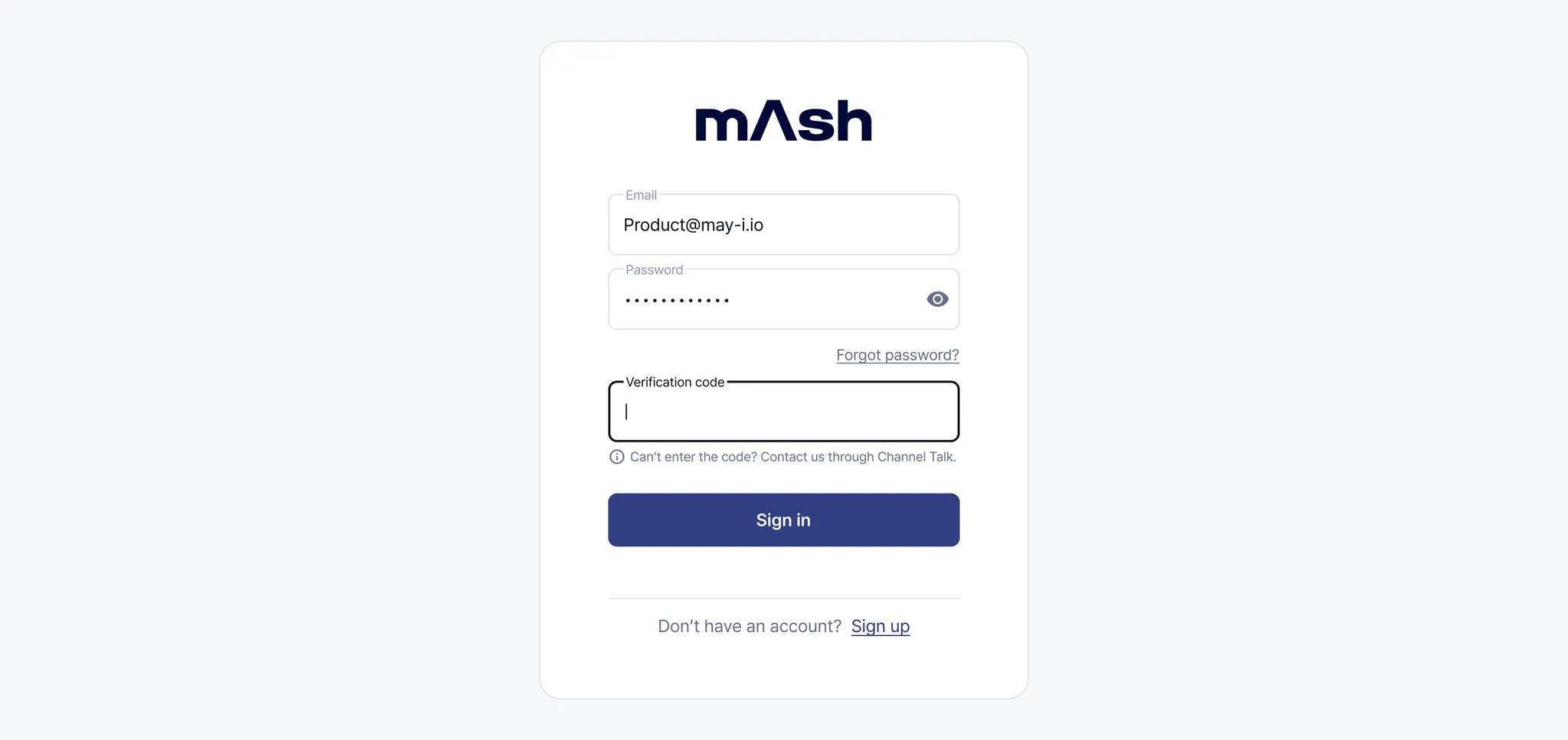
When you enter your username and password on the login screen, the authentication code input field will appear below.
2.
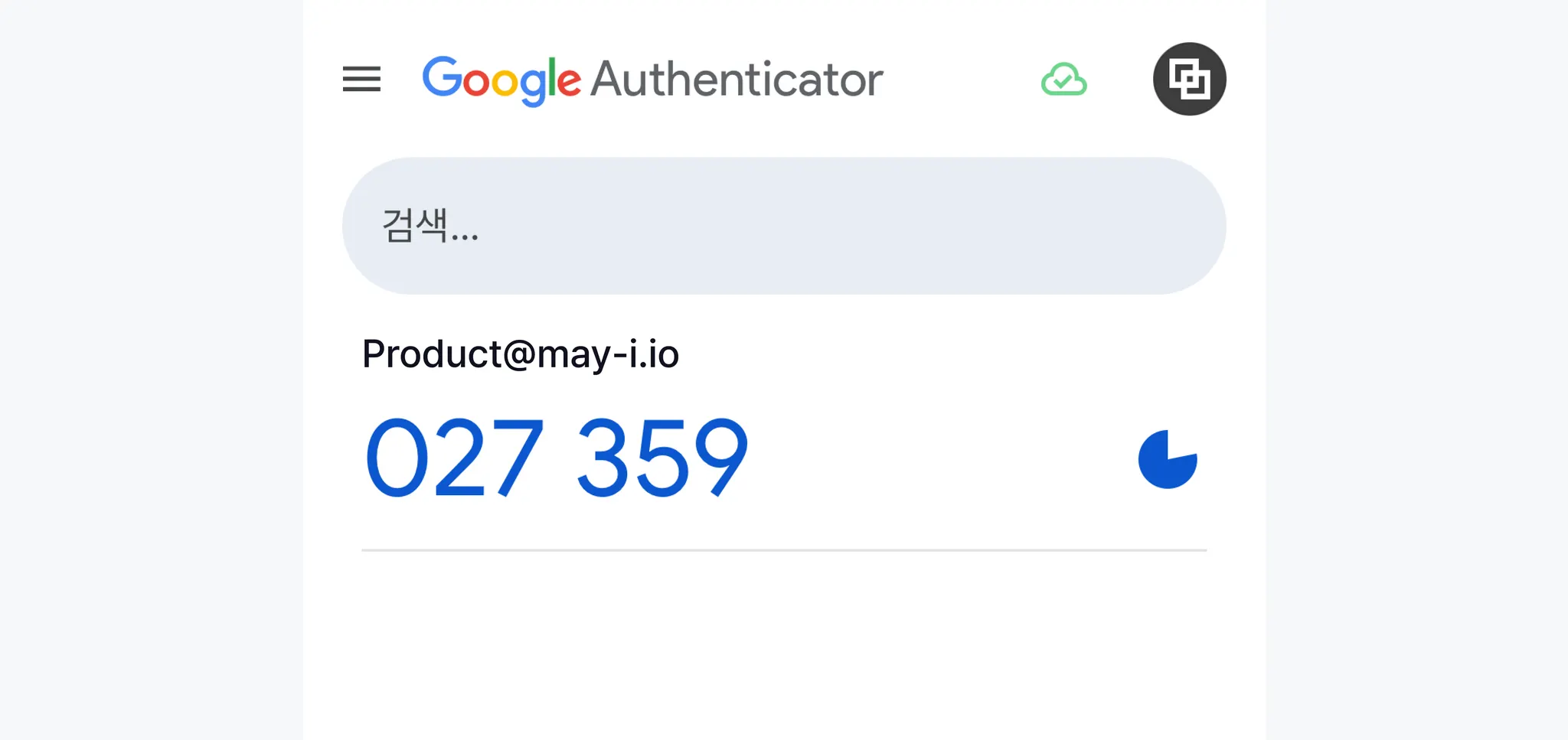
Open the Google Authenticator app and enter the authentication code displayed on the screen into the input field.
3. Disabling Multi-Factor Authentication
1.
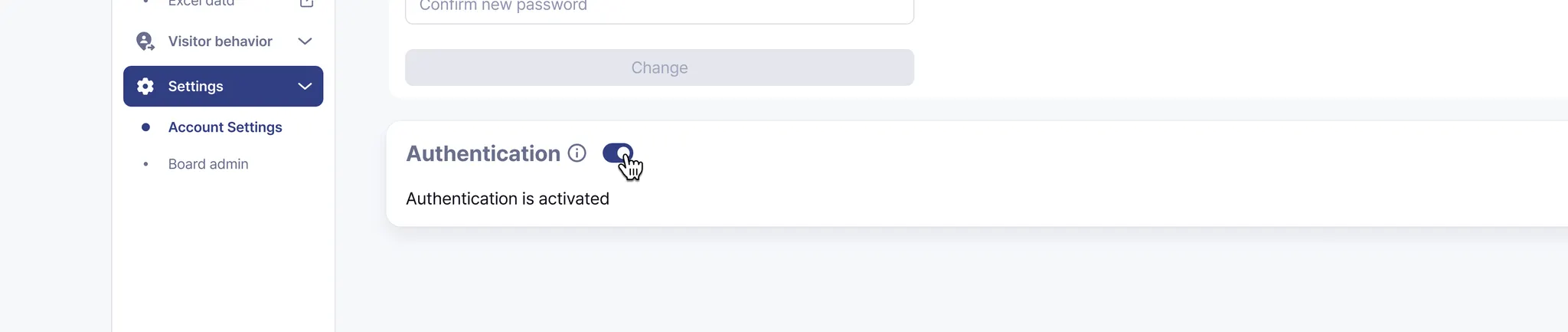
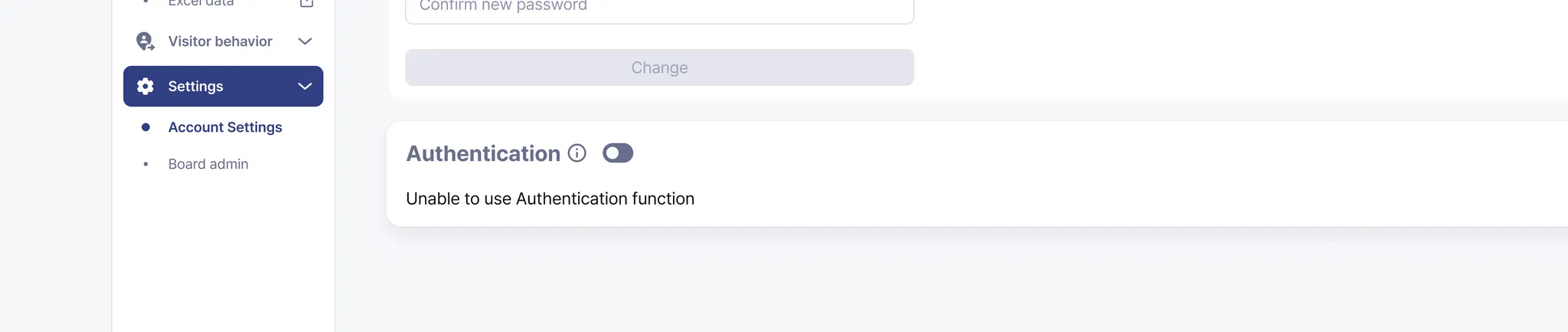
Go to the menu on the left side of the dashboard - Settings - Personal Settings, then click the toggle for Authentication.
2.
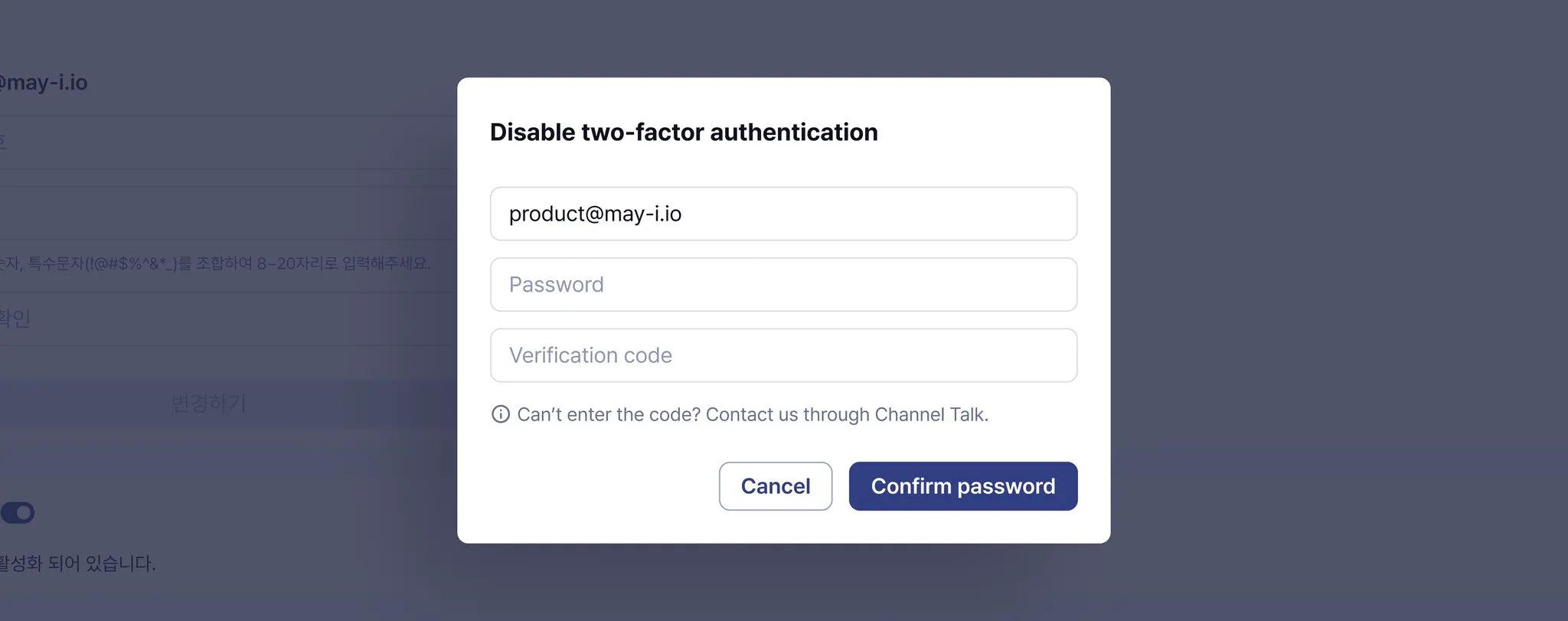
Enter your password and authentication code, then click the ‘Confirm password’ button.
3.
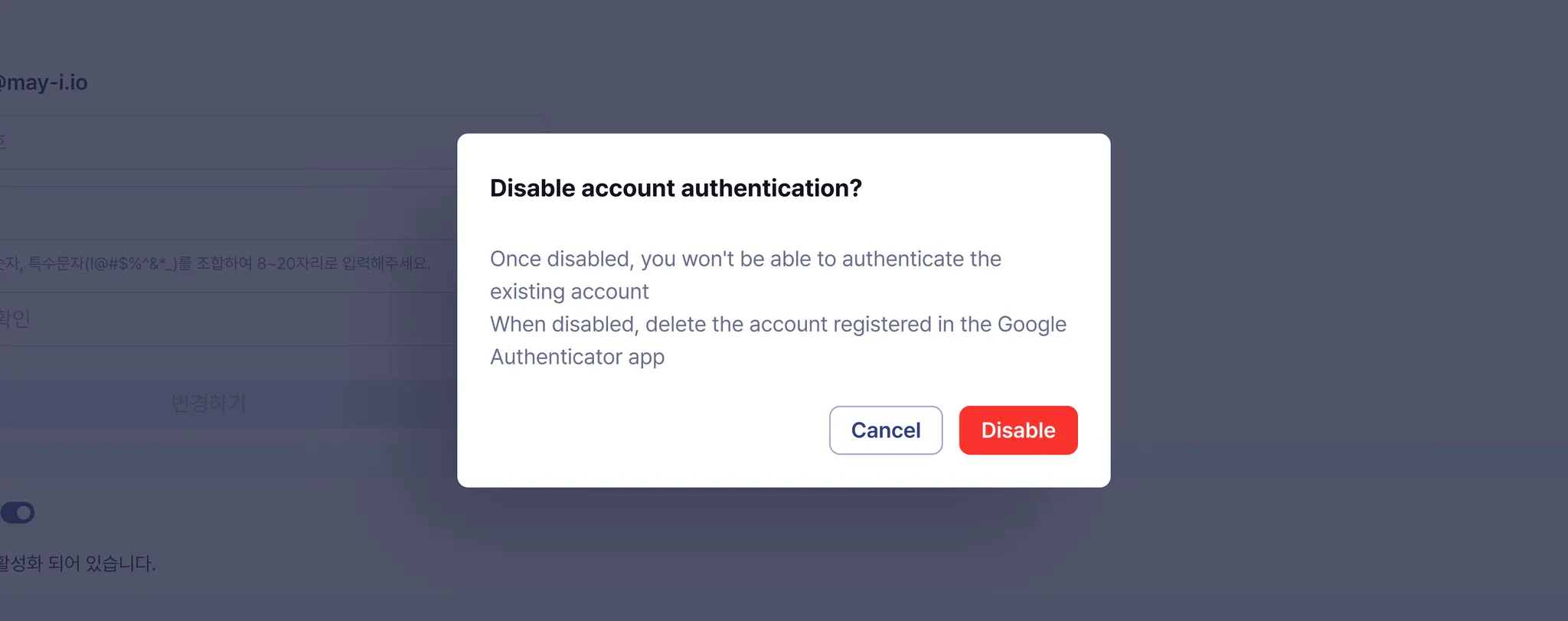
After reviewing the instructions, click the disable button.
4.
If the toggle is turned off, then Multi-Factor Authentication is successfully disabled.
If you have any further questions


mAy-i & mAsh

